
The Economist is one of the most recognized current affairs publications in the world. PressReader provides up-to-date access in a full digital replica.
Please note: The Economist is the only title we subscribe to via PressReader.
To access The Economist on the website:
- Go to the PressReader website
- First time users: click Sign In (upper right corner) – do not click Sign Up
- Click Library & Group
- Type Scotch Plains into the search box and select the Library
- Enter your Scotch Plains library card number and PIN and check the box to allow PressReader to verify your registration.
For access on the PressReader App:
- Install the free PressReader mobile app from your device’s app store. To check if a specific operating system, browser, or device is compatible, visit the PressReader help page
- Click or tap the Sign In button in the lower part of the screen
- Click or tap the Libraries & Groups button and search for Scotch Plains Public Library
- Enter your Scotch Plains library card number and click Sign in
- If prompted to create an account with your email, you may click ‘Cancel’ to proceed
Once you are signed in, you will remain signed in for thirty days. Once this has passed, simply repeat the sign-in process you used above.
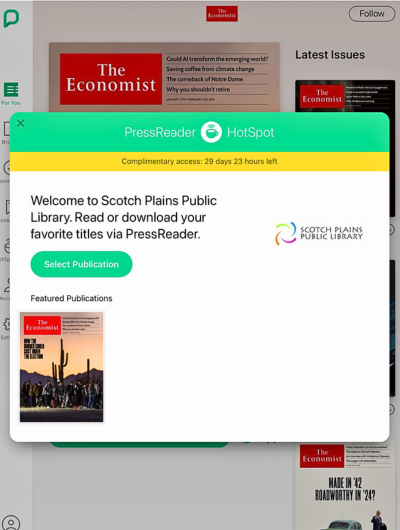
Reading on PressReader
- You can scroll left and right to browse the pages
- Pressing the highlighted headlines will allow you to read that article in a mobile-friendly layout
- When you are done reading the article, you can press the back button at the top of the article to return to full-page browsing mode